2026/09/07
What Is a 3D Mesh? A Simple Guide to Mesh Models and Topology
Learn what a 3D mesh is, how vertices, edges, faces, UVs, and textures work together, and how to choose a mesh model for web, games, and 3D printing.
What Is a 3D Mesh? A Simple Guide to Mesh Models and Topology
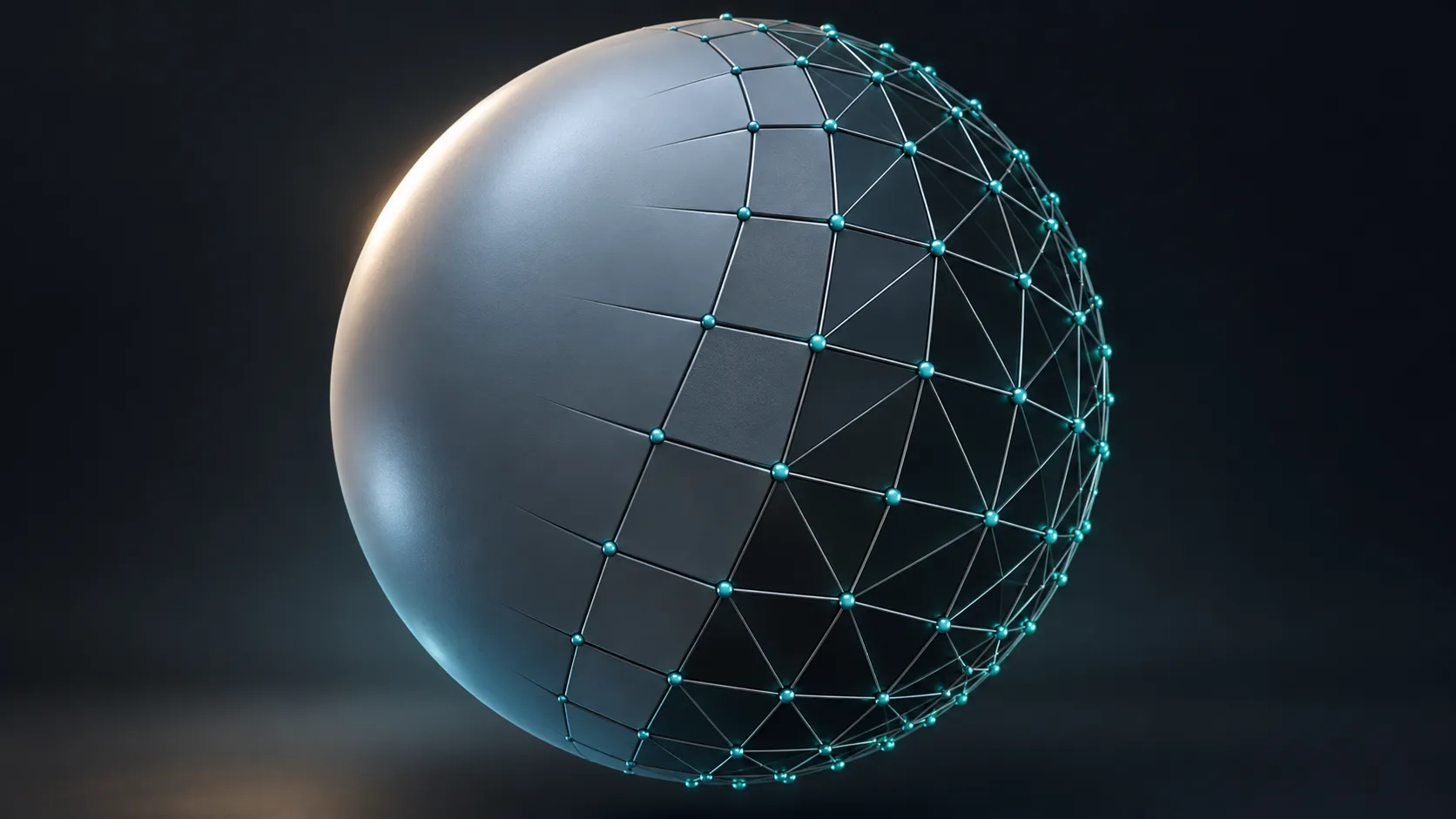
A 3D mesh is the geometric surface of a digital object. It is built from vertices (points), edges (lines between points), and faces (the small surfaces that connect them). When those elements are arranged well, they describe the shape of a chair, character, product, or printable object.
The mesh is only one part of a usable 3D asset. Materials, textures, UV coordinates, scale, and file format determine how the model looks and behaves in a viewer, a game engine, or a slicer.
The building blocks of a mesh model
Most mesh models use triangles because triangles are stable and easy for graphics hardware to draw. A mesh may look smooth even though its surface is made of many tiny flat faces.
| Element | What it does |
|---|---|
| Vertex | A point in 3D space |
| Edge | A connection between two vertices |
| Face | A triangle or polygon forming surface area |
| Normal | Direction used to calculate light and shading |
| UV map | Coordinates that place a texture on the surface |
| Material | Surface settings such as color, roughness, and metalness |
Why topology matters
Topology is the arrangement of faces and edges. Clean topology helps a model deform, shade, edit, and export predictably. It is particularly important for animated characters, where joints need orderly loops of geometry.
For a static render or an early concept, perfect topology may not be the first priority. For animation, 3D printing, or downstream editing, inspect the mesh before treating it as final.
Generate a 3D mesh from text or an image
AI can create a starting 3D mesh from a written prompt or reference image. This is useful for concepting, product visualization, game prototyping, and asset exploration. In Magic3D, use Text to 3D for a described object or Image to 3D for a reference image.
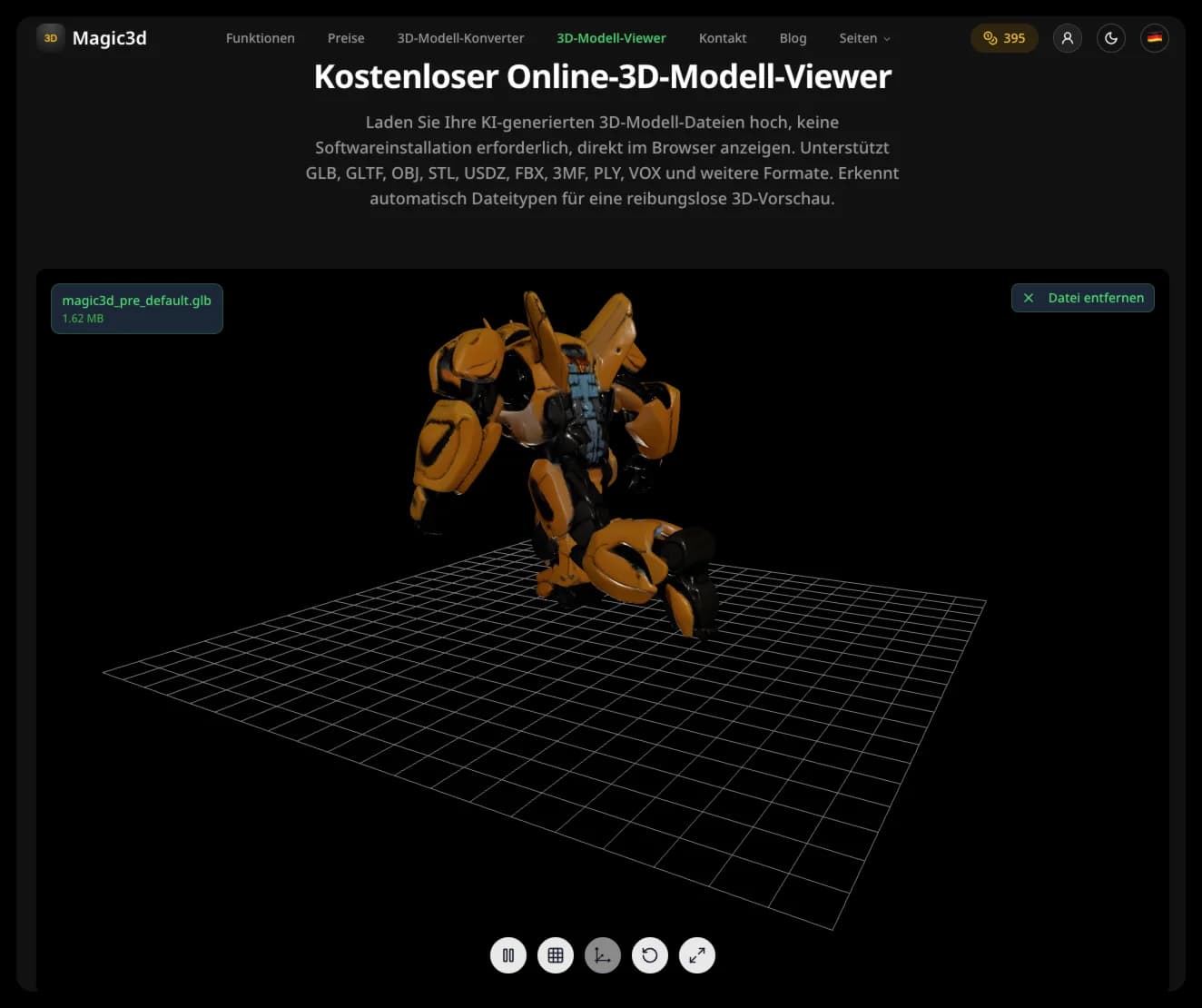
After generation, rotate the model and check whether the silhouette is plausible from more than one angle. A single attractive preview does not prove the underside, hidden geometry, or internal structure is ready for every workflow.
Mesh density: low poly and high poly
Mesh density is the number of faces used to represent a shape. A low-poly mesh uses fewer faces, which can load quickly and suit stylized games. A high-poly mesh has more detail but can be heavier to view, edit, or deliver on the web.
Choose density based on the destination:
- Web or mobile preview: optimize geometry and textures for fast loading.
- Game prototype: match the target platform and art style.
- Close product render: preserve visible silhouette detail where it matters.
- 3D printing: prioritize watertight geometry and suitable wall thickness over visual polygon count.
Mesh formats and intended use
GLB packages mesh, materials, and textures conveniently for web and many viewers. OBJ is widely supported but may keep materials and textures in separate files. STL is common for 3D printing but normally carries only the surface geometry, not color or material information.
Use the free 3D converter when you need to move between supported formats. Conversion changes the container; it does not automatically repair topology, create missing textures, or make a non-manifold model printable.
Is a 3D mesh the same as a 3D model?
A mesh is the geometric component of many 3D models. In common usage, people often say “3D model” to mean the mesh plus its textures, materials, scene settings, and metadata.
What is a surface mesh generator?
It is a tool that creates a surface made of connected faces. The surface may represent an object, terrain, scan, or concept. Its quality depends on the input and on whether the resulting topology suits the intended use.
Can I 3D print any mesh?
No. A printable mesh generally needs to be closed, manifold, appropriately scaled, and thick enough for the selected process. Check it in a slicer before printing.
Start with a clear reference or prompt, generate the mesh, then validate it for the place where it will be used.
Categorieën
What Is a 3D Mesh? A Simple Guide to Mesh Models and TopologyThe building blocks of a mesh modelWhy topology mattersGenerate a 3D mesh from text or an imageMesh density: low poly and high polyMesh formats and intended useIs a 3D mesh the same as a 3D model?What is a surface mesh generator?Can I 3D print any mesh?
Meer berichten
Tutorials
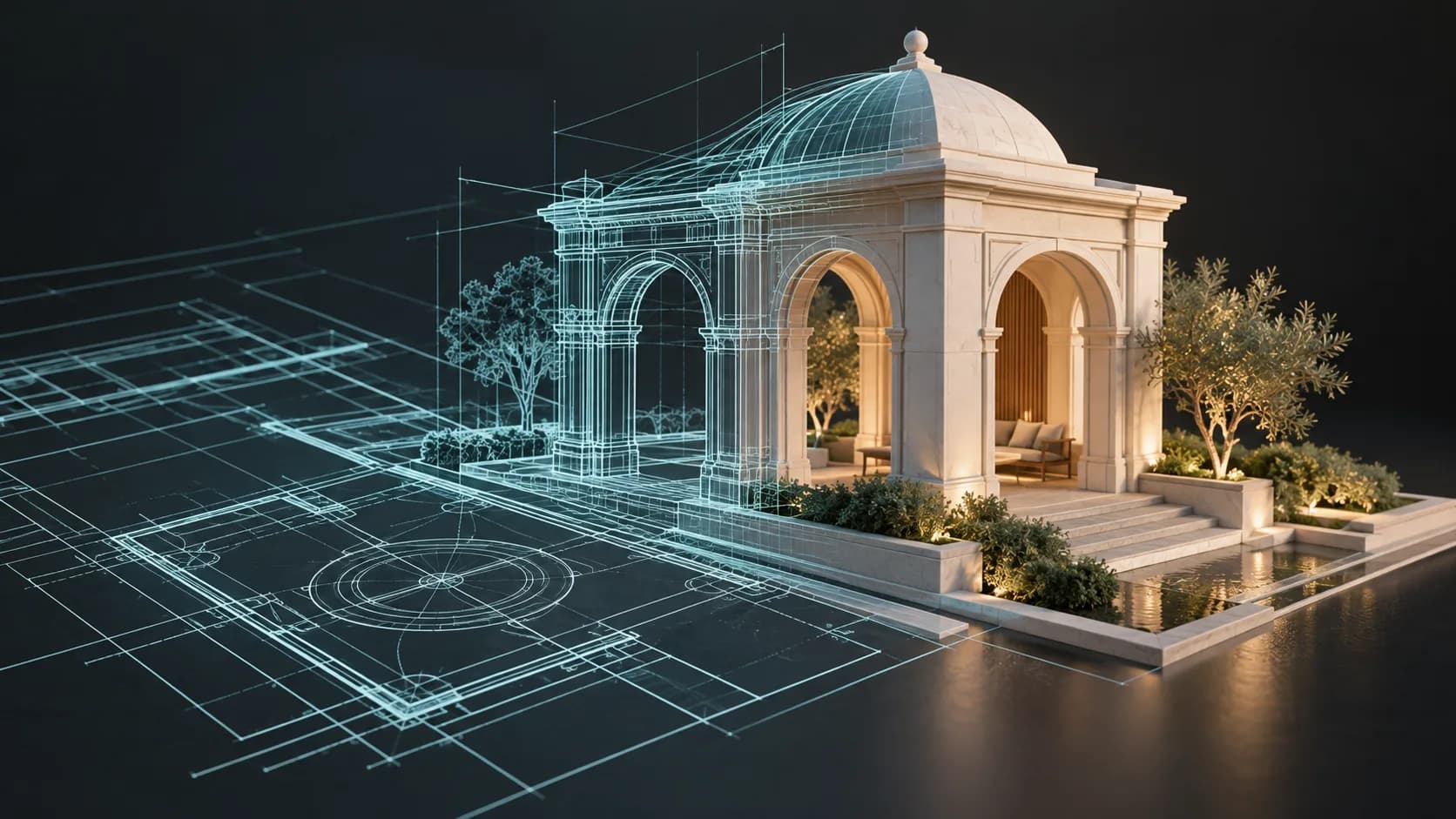
Verander een blauwdruk of tekening in een 3D-model: wat AI wel en niet kan afleiden
Leer hoe u op verantwoorde wijze een tekening, plattegrond of blauwdruk omzet in een 3D-model. Gebruik AI voor conceptverkenning en bewaar metingen voor CAD-reconstructie.
Tutorials
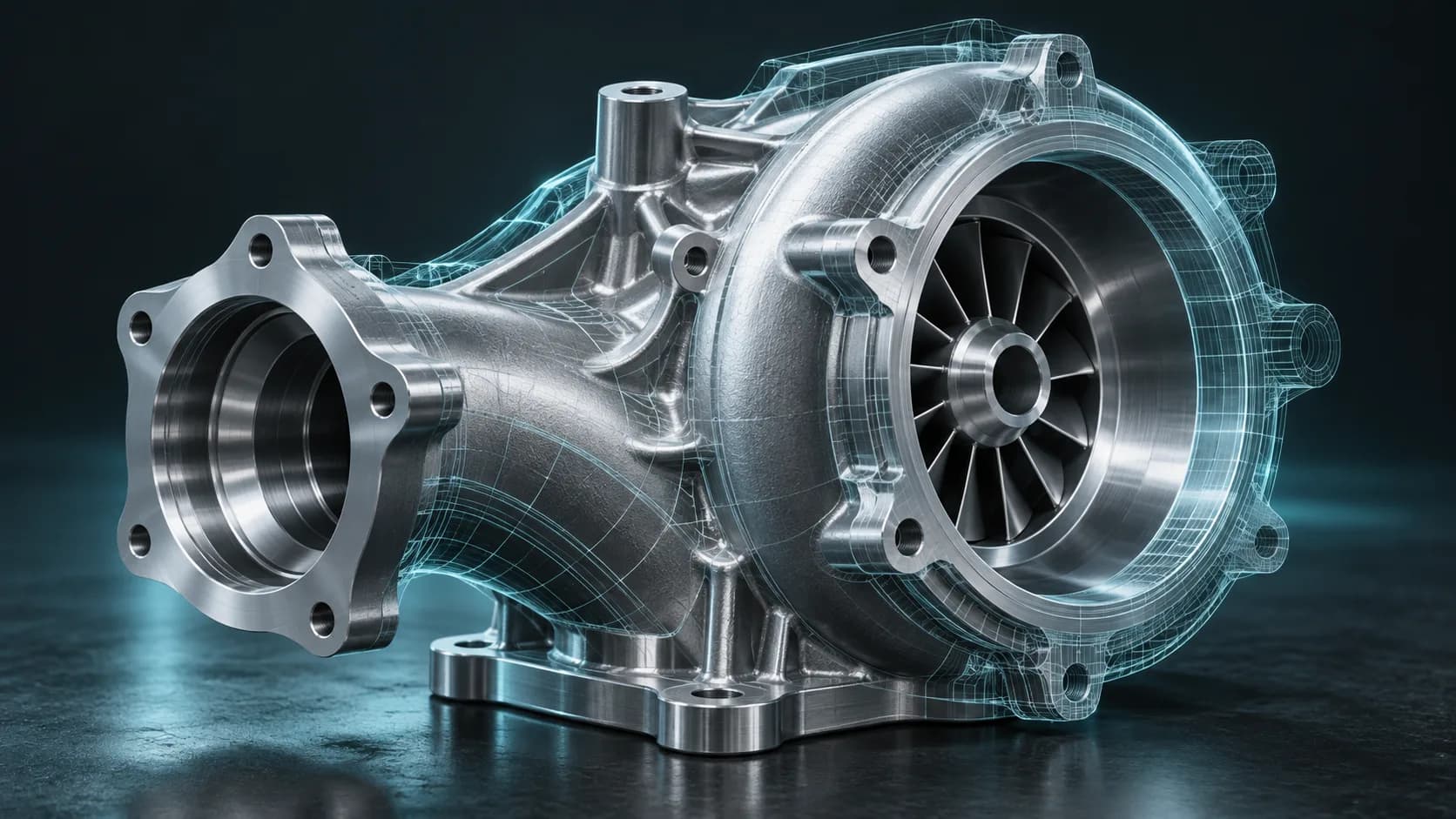
AI CAD Generator: What Text-to-CAD and Image-to-CAD Can Do
Understand AI CAD generators, text-to-CAD, and image-to-CAD workflows. Learn the difference between a mesh concept and a dimensionally controlled CAD model.
ToolsTutorials
3D-lettertypegenerator: verander typografie in dimensionale letters
Gebruik een 3D-lettertypegenerator om dimensionale typografie voor logo's, titels, productlabels en scènes te verkennen. Leer de promptstructuur, lettertypeselectie en exportoverwegingen.
Nieuwsbrief
Sluit je aan bij de gemeenschap
Schrijf u in op onze nieuwsbrief voor het laatste nieuws en updates