2026/06/08
Image to 3D for E-Commerce — Turn Product Photos into 3D Models
Convert product photos to 3D models for Shopify, Amazon & AR try-on. Step-by-step image to 3D guide with tips for lighting, multi-angle shots & GLB export. Free 50 credits.
Image to 3D for E-Commerce: Turn Product Photos into 3D Models
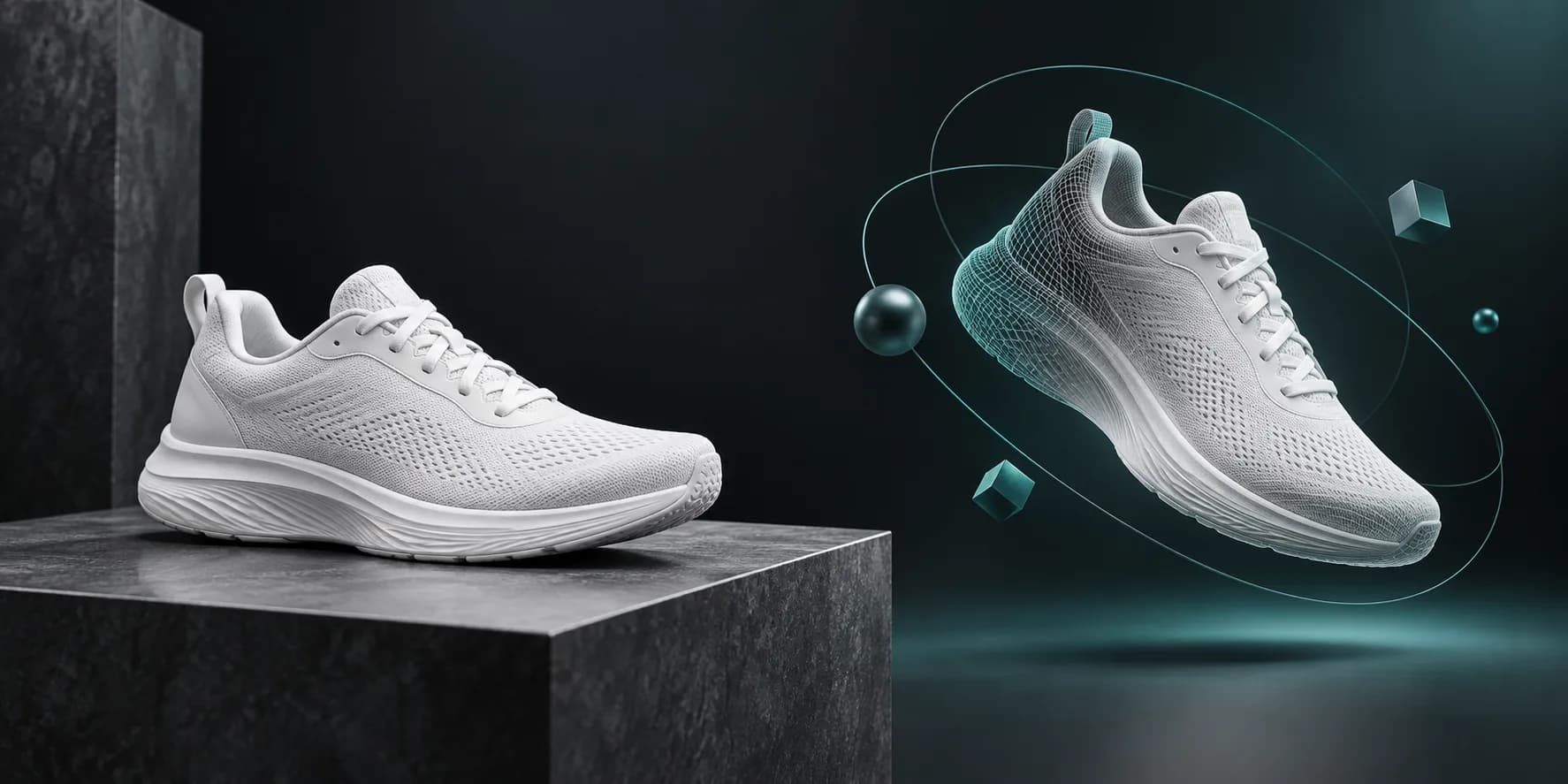
Image to 3D search volume grew 83% year-over-year in 2026 — driven by e-commerce brands replacing expensive photo shoots with AI image to 3D workflows. A single product photo can become a rotatable 3D model for your store, AR viewer, or ad creative in under a minute.
This guide shows how to convert product photos to 3D models with consistent results, what image quality you need, and how to export for Shopify, web viewers, and 3D printing.
Why E-Commerce Teams Use Image to 3D
| Benefit | Impact |
|---|---|
| Higher engagement | 3D viewers increase time-on-page 2–3× vs static images |
| Lower return rates | Customers see product shape accurately |
| AR try-on ready | Export GLB/USDZ for mobile AR |
| Ad creative | Rotate models in video ads without reshooting |
| Cost savings | Skip $500–2,000 per SKU for traditional 3D scanning |
Step-by-Step: Product Photo to 3D Model
Step 1: Prepare your source image
Best results with image to 3D converter tools when you follow these rules:
| ✅ Do | ❌ Avoid |
|---|---|
| Clean background (white/gray) | Busy cluttered scenes |
| Even lighting, no harsh shadows | Strong backlight silhouettes |
| Single product centered | Multiple objects overlapping |
| High resolution (1024px+) | Blurry or compressed JPEG artifacts |
| Sharp edges visible | Motion blur |
Pro tip: A plain studio product photo beats an artistic lifestyle shot for geometry accuracy.
Step 2: Upload to Magic3D
- Open Image to 3D Converter or Studio
- Select Image to 3D mode
- Upload PNG, JPG, or WebP (max 10MB)
- Optional: enable PBR textures (+10 credits) for realistic materials
Credit cost: 30 credits (mesh only) or 40 credits (with PBR textures)
Step 3: Preview and refine
- Rotate in the built-in 3D viewer
- Check silhouette accuracy against your photo
- Re-generate if proportions are off (adjust prompt or try a cleaner photo)
Step 4: Export for your platform
| Format | Use case |
|---|---|
| GLB | Web viewers, Shopify 3D, AR on Android |
| OBJ | Universal 3D editing |
| FBX | Game engines, advanced pipelines |
| STL | 3D printing prototypes |
Paid plans unlock unlimited downloads and commercial rights — essential for product listings.
Single Photo vs Multi-Angle: Which Works Better?
| Approach | Accuracy | Effort | Magic3D support |
|---|---|---|---|
| Single front photo | Good for symmetric products | Low | ✅ |
| Front + side photos | Better depth | Medium | ✅ Multi-image upload |
| Full 360° photo set | Highest fidelity | High | ✅ Multiple references |
For sneakers, bottles, and electronics, one clean front-facing photo often produces a sellable preview model. For asymmetric products (handbags, shoes at angle), add a side reference.
E-Commerce Integration Ideas
Shopify & custom storefronts
- Export GLB from Magic3D
- Embed with
<model-viewer>or platform 3D plugin - Pair with AI-generated lifestyle background
Amazon & marketplace listings
- Use 3D spin in A+ content where supported
- Generate supplementary angle renders from the model
Social ads
- Image to 3D the hero product
- AI video generator — slow rotation clip
- A/B test static vs 3D-animated thumbnails
Physical prototyping
- Export STL for internal 3D print review before manufacturing
- Validate scale and proportions cheaply
Image to 3D vs Traditional 3D Scanning
| Factor | Photo scan (structured light) | AI image to 3D |
|---|---|---|
| Cost per SKU | $200–1,000+ | 30–40 credits (~$0.60–1.20 on Pro) |
| Turnaround | Days (shipping product) | 30–60 seconds |
| Accuracy | Very high | Good for marketing/AR |
| Best for | Manufacturing QA | E-commerce, ads, prototyping |
AI photo to 3D model generation won't replace metrology — but it's the fastest path from listing photo to interactive 3D asset.
Common Mistakes (and Fixes)
| Problem | Cause | Fix |
|---|---|---|
| Flat-looking model | Low contrast photo | Add side lighting in reshoot |
| Wrong proportions | Partial occlusion | Show full product silhouette |
| Muddy textures | Busy background | Remove background first |
| Can't download | Free tier limit | Upgrade to Pro for exports |
FAQ: Image to 3D for E-Commerce
Can I turn a product photo into a 3D model for free?
Magic3D offers 50 free credits to generate and preview models. Downloads and commercial use on listings require a paid plan.
What is the best image to 3D tool for Shopify sellers?
Magic3D exports GLB (web-standard) with PBR texture support — ideal for Shopify 3D and custom <model-viewer> embeds.
How accurate is AI image to 3D vs real scanning?
Marketing-grade accuracy: excellent. Manufacturing tolerances: use professional scanning. Most e-commerce teams need the former.
Can I use 3D models on Amazon product pages?
Yes where 3D/AR features are supported, with proper commercial licensing. Magic3D Pro includes commercial rights.
Convert Your First Product Photo Free
30 credits · GLB/STL/OBJ/FBX export on paid plans · Commercial rights on Pro
Image to 3D for E-Commerce: Turn Product Photos into 3D ModelsWhy E-Commerce Teams Use Image to 3DStep-by-Step: Product Photo to 3D ModelStep 1: Prepare your source imageStep 2: Upload to Magic3DStep 3: Preview and refineStep 4: Export for your platformSingle Photo vs Multi-Angle: Which Works Better?E-Commerce Integration IdeasShopify & custom storefrontsAmazon & marketplace listingsSocial adsPhysical prototypingImage to 3D vs Traditional 3D ScanningCommon Mistakes (and Fixes)FAQ: Image to 3D for E-CommerceCan I turn a product photo into a 3D model for free?What is the best image to 3D tool for Shopify sellers?How accurate is AI image to 3D vs real scanning?Can I use 3D models on Amazon product pages?Convert Your First Product Photo Free
Meer berichten
ProductTutorials
AI 3D Modeler Online — Make 3D Models from Text & Images (2026)
Magic3D is your free AI 3D modeler online. Create 3D models from text or pictures, export GLB/STL, and use for games, 3D printing & AR. 50 free credits.
ProductTutorials
Free AI Video Generator for Marketing 2026 — Text to Video Guide
Best free AI video generator for ads, TikTok & product demos in 2026. Compare text to video AI tools, credit costs, 480p vs 720p, and Magic3D vs Kling. 50 free credits to start.
ToolsTutorials
3D-lettertypegenerator: verander typografie in dimensionale letters
Gebruik een 3D-lettertypegenerator om dimensionale typografie voor logo's, titels, productlabels en scènes te verkennen. Leer de promptstructuur, lettertypeselectie en exportoverwegingen.
Nieuwsbrief
Sluit je aan bij de gemeenschap
Schrijf u in op onze nieuwsbrief voor het laatste nieuws en updates