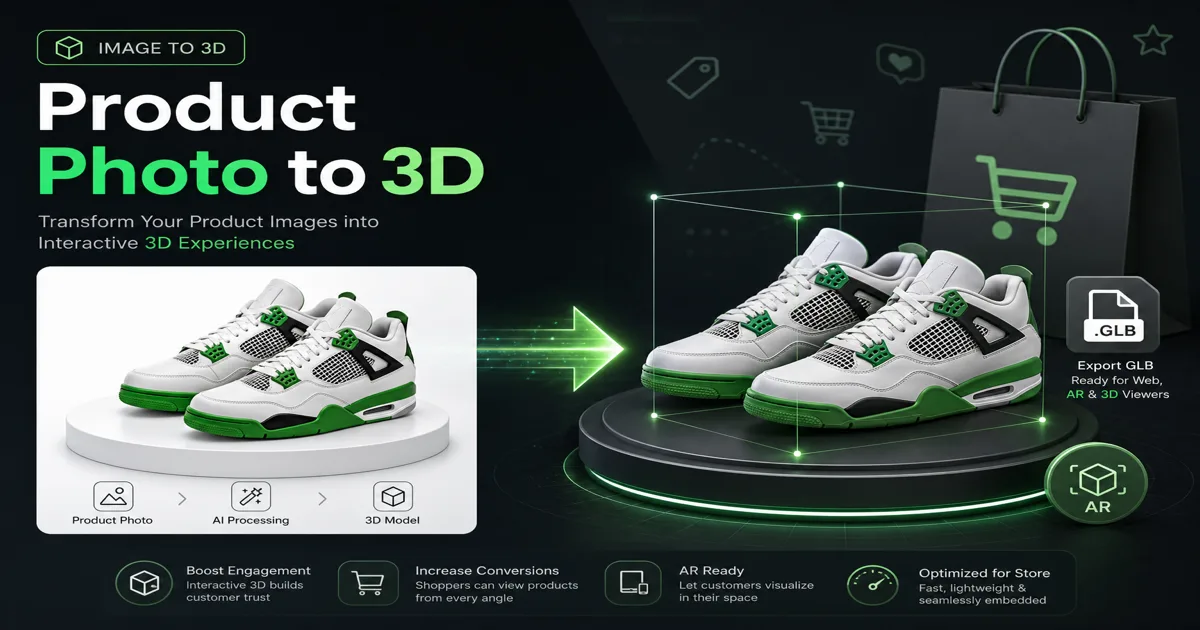
電子商取引用に画像を 3D に — 製品写真を 3D モデルに変換
製品写真を Shopify、Amazon、AR 試着用の 3D モデルに変換します。画像から 3D へのステップバイステップのガイド。ライティング、マルチアングル ショット、GLB エクスポートのヒントが含まれます。無料の 100 クレジット。
電子商取引用に画像を 3D に変換: 商品写真を 3D モデルに変換
画像から 3D への検索量は、2026 年に前年比で 83% 増加しました。これは、e コマース ブランドが高価な写真撮影を AI 画像から 3D へのワークフローに置き換えたことによって促進されました。 1 枚の製品写真が、1 分以内にストア、AR ビューア、または広告クリエイティブ用の回転可能な 3D モデルになります。
このガイドでは、一貫した結果で 商品写真を 3D モデルに変換する方法、必要な画質、Shopify、Web ビューアー、3D プリント用にエクスポートする方法を説明します。
E コマース チームが画像を 3D 化する理由
| Benefit | Impact |
|---|---|
| Higher engagement | 3D viewers increase time-on-page 2–3× vs static images |
| Lower return rates | Customers see product shape accurately |
| AR try-on ready | Export GLB/USDZ for mobile AR |
| Ad creative | Rotate models in video ads without reshooting |
| Cost savings | Skip $500–2,000 per SKU for traditional 3D scanning |
ステップバイステップ: 製品写真を 3D モデルに変換する
ステップ 1: ソースイメージを準備する
次のルールに従う場合、画像から 3D コンバータ ツールを使用すると最良の結果が得られます。
| ✅ Do | ❌ Avoid |
|---|---|
| Clean background (white/gray) | Busy cluttered scenes |
| Even lighting, no harsh shadows | Strong backlight silhouettes |
| Single product centered | Multiple objects overlapping |
| High resolution (1024px+) | Blurry or compressed JPEG artifacts |
| Sharp edges visible | Motion blur |
プロのヒント: ジオメトリの正確さの点では、シンプルなスタジオの製品写真の方が芸術的なライフスタイル写真よりも優れています。
ステップ 2: Magic3D にアップロードする
- Image to 3D Converter または Studio]] を開きます
- 画像を 3D に変換 モードを選択します
- PNG、JPG、または WebP をアップロードします (最大 10MB)
- オプション: リアルなマテリアルの PBR テクスチャ (+10 クレジット) を有効にします
クレジットコスト: 30 クレジット (メッシュのみ) または 40 クレジット (PBR テクスチャあり)
ステップ 3: プレビューと調整
- 内蔵の 3D ビューアで回転
- 写真と照らし合わせてシルエットの精度を確認します
- 比率がずれている場合は再生成します (プロンプトを調整するか、よりきれいな写真を試してください)
ステップ 4: プラットフォーム用にエクスポートする
| Format | Use case |
|---|---|
| GLB | Web viewers, Shopify 3D, AR on Android |
| OBJ | Universal 3D editing |
| FBX | Game engines, advanced pipelines |
| STL | 3D printing prototypes |
有料プランでは、製品リストに不可欠な 無制限のダウンロード と 商業権 のロックが解除されます。
1 枚の写真とマルチアングル: どちらがより効果的ですか?
| Approach | Accuracy | Effort | Magic3D support |
|---|---|---|---|
| Single front photo | Good for symmetric products | Low | ✅ |
| Front + side photos | Better depth | Medium | ✅ Multi-image upload |
| Full 360° photo set | Highest fidelity | High | ✅ Multiple references |
スニーカー、ボトル、電子機器の場合、1 枚のきれいな正面写真から、販売可能なプレビュー モデルが作成されることがよくあります。非対称の製品 (角度のあるハンドバッグ、靴) の場合は、側面の参照を追加します。
電子商取引統合のアイデア
Shopify とカスタムストアフロント
- Export GLB from Magic3D
- Embed with
<model-viewer>or platform 3D plugin - Pair with AI-generated lifestyle background
Amazon およびマーケットプレイスの出品
- サポートされている場合、A+ コンテンツで 3D スピンを使用します
- モデルから補助角度レンダリングを生成します。
ソーシャル広告
1.【主人公商品を3D](/image-to-3d-converter)画像にします】 2. AI ビデオ ジェネレーター — スロー回転クリップ 3. 静的サムネイルと 3D アニメーション サムネイルの A/B テスト
物理的なプロトタイピング
- 製造前の社内 3D プリント レビュー用に STL をエクスポート
- 縮尺と比率を安価に検証
画像から 3D への変換と従来の 3D スキャン
| Factor | Photo scan (structured light) | AI image to 3D |
|---|---|---|
| Cost per SKU | $200–1,000+ | 30–40 credits (~$0.60–1.20 on Pro) |
| Turnaround | Days (shipping product) | 30–60 seconds |
| Accuracy | Very high | Good for marketing/AR |
| Best for | Manufacturing QA | E-commerce, ads, prototyping |
AI 写真から 3D モデルへの生成は計測学に取って代わるものではありませんが、写真のリストからインタラクティブな 3D アセットへの最速のパスです。
よくある間違い (および修正)
| Problem | Cause | Fix |
|---|---|---|
| Flat-looking model | Low contrast photo | Add side lighting in reshoot |
| Wrong proportions | Partial occlusion | Show full product silhouette |
| Muddy textures | Busy background | Remove background first |
| Can't download | Free tier limit | Upgrade to Pro for exports |
FAQ: 電子商取引のための画像から 3D への変換
製品写真を無料で 3D モデルに変換できますか?
Magic3D は、モデルの生成とプレビューに 100 の無料クレジットを提供します。ダウンロードやリストでの商用利用には有料プランが必要です。
Shopify 販売者にとって最適な画像 3D ツールは何ですか?
Magic3D exports GLB (web-standard) with PBR texture support — ideal for Shopify 3D and custom <model-viewer> embeds.
AI 画像の 3D 精度は実際のスキャンと比べてどのくらいですか?
マーケティンググレードの精度: 優れています。製造公差: 専門的なスキャンを使用します。ほとんどの e コマース チームは前者を必要とします。
Amazon の商品ページで 3D モデルを使用できますか?
適切な商用ライセンスがあれば、3D/AR 機能がサポートされている場合は可能です。 Magic3D Pro には商業権が含まれています。
最初の製品写真を無料で変換します
**30 クレジット · 有料プランでの GLB/STL/OBJ/FBX エクスポート · Pro での商業権 **
その他の投稿

AI 3D モデラー オンライン — テキストと画像から 3D モデルを作成 (2026)
Magic3D は、オンラインの無料 AI 3D モデラーです。テキストや写真から 3D モデルを作成し、GLB/STL にエクスポートして、ゲーム、3D プリント、AR に使用します。 100 の無料クレジット。
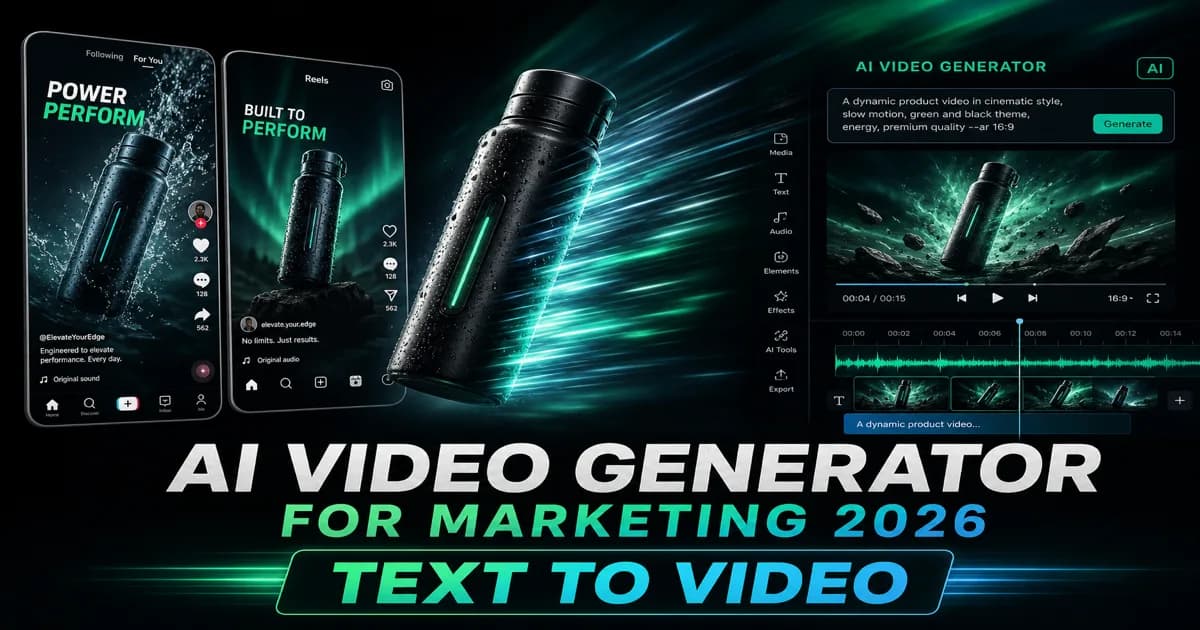
マーケティング 2026 用の無料 AI ビデオ ジェネレーター — テキストからビデオへのガイド
2026 年に広告、TikTok、製品デモに最適な無料 AI ビデオ ジェネレーター。テキストとビデオの AI ツール、クレジット コスト、480p と 720p、Magic3D と Kling を比較します。 100 クレジットを無料で開始できます。
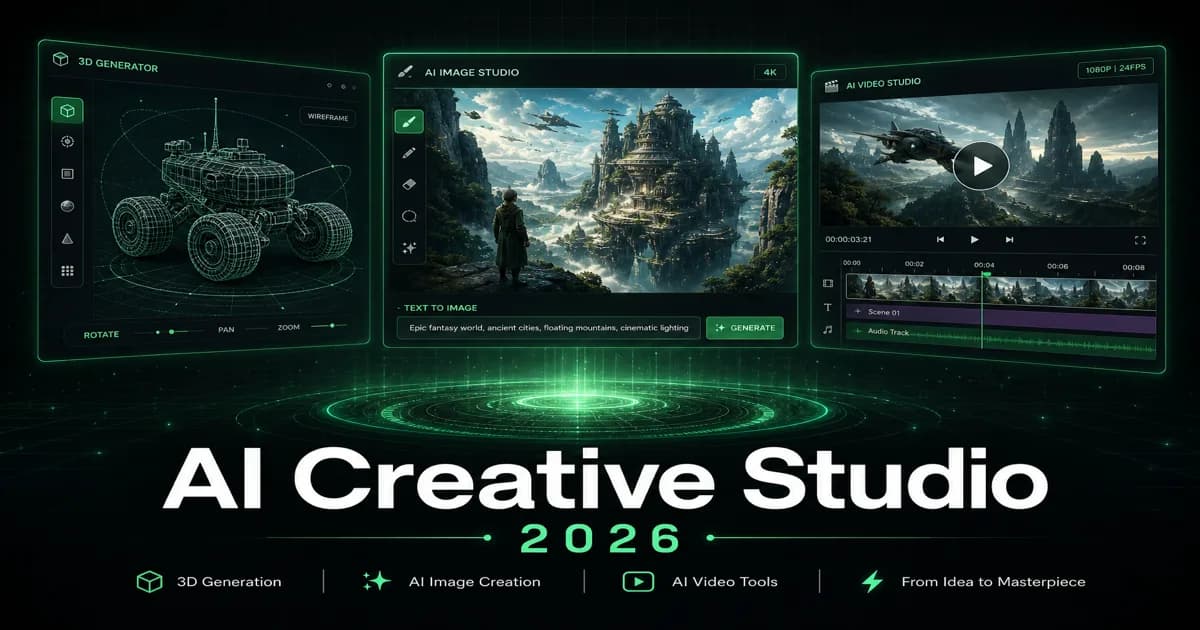
3D フォント ジェネレーター: タイポグラフィーを立体的なレタリングに変える
3D フォント ジェネレーターを使用して、ロゴ、タイトル、製品ラベル、シーンの立体的なタイポグラフィーを検討します。プロンプトの構造、フォントの選択、エクスポートに関する考慮事項について学びます。
ニュースレター
コミュニティに参加
最新のニュースとアップデートのためにニュースレターに登録してください