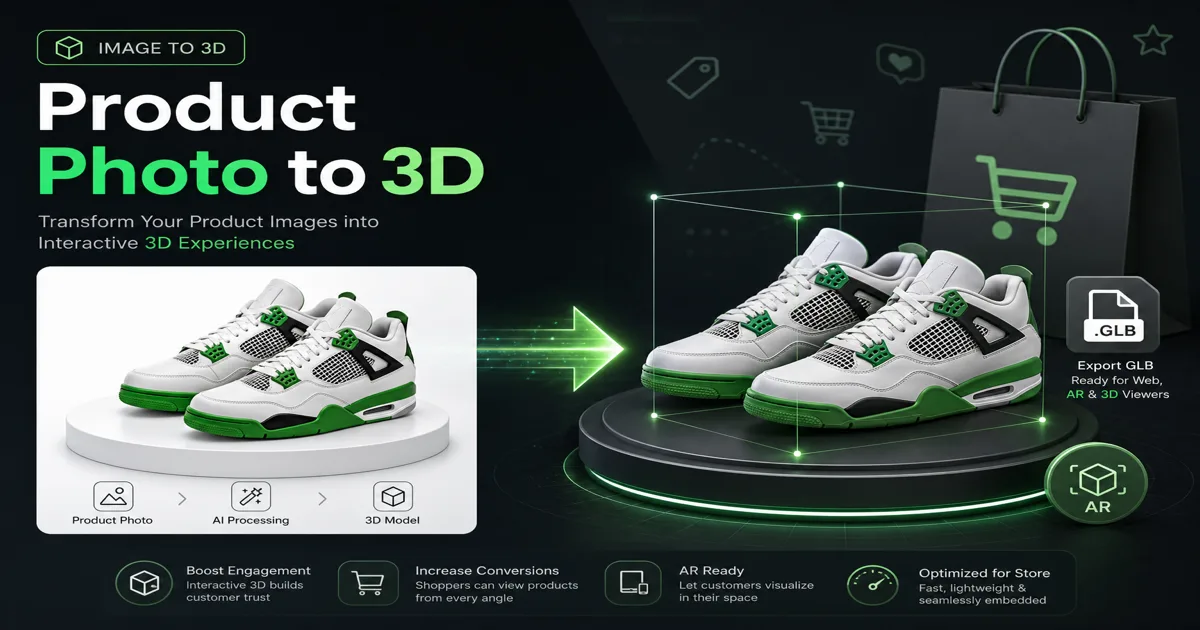
Immagine in 3D per l'e-commerce: trasforma le foto dei prodotti in modelli 3D
Converti le foto dei prodotti in modelli 3D per la prova Shopify, Amazon e AR. Guida passo-passo alle immagini 3D con suggerimenti per l'illuminazione, scatti multi-angolo ed esportazione GLB. 100 crediti gratuiti.
Immagine in 3D per l'e-commerce: trasforma le foto dei prodotti in modelli 3D
Il volume di ricerca di Immagini in 3D è cresciuto dell'83% su base annua nel 2026, grazie alla sostituzione dei costosi servizi fotografici con flussi di lavoro Immagini in 3D da parte di brand di e-commerce. Una singola foto di prodotto può diventare un modello 3D ruotabile per il tuo negozio, un visualizzatore AR o una creatività pubblicitaria in meno di un minuto.
Questa guida mostra come convertire foto di prodotti in modelli 3D con risultati coerenti, quale qualità di immagine ti serve e come esportare per Shopify, visualizzatori Web e stampa 3D.
Perché i team di e-commerce utilizzano l'immagine in 3D
| Benefit | Impact |
|---|---|
| Higher engagement | 3D viewers increase time-on-page 2–3× vs static images |
| Lower return rates | Customers see product shape accurately |
| AR try-on ready | Export GLB/USDZ for mobile AR |
| Ad creative | Rotate models in video ads without reshooting |
| Cost savings | Skip $500–2,000 per SKU for traditional 3D scanning |
Passo dopo passo: dalla foto del prodotto al modello 3D
Passaggio 1: prepara l'immagine sorgente
I migliori risultati con gli strumenti di conversione da immagini a 3D quando segui queste regole:
| ✅ Do | ❌ Avoid |
|---|---|
| Clean background (white/gray) | Busy cluttered scenes |
| Even lighting, no harsh shadows | Strong backlight silhouettes |
| Single product centered | Multiple objects overlapping |
| High resolution (1024px+) | Blurry or compressed JPEG artifacts |
| Sharp edges visible | Motion blur |
Suggerimento da professionista: una semplice foto di un prodotto in studio batte uno scatto artistico di stile di vita in termini di precisione geometrica.
Passaggio 2: carica su Magic3D
- Apri Convertitore da immagine a 3D o Studio
- Selezionare la modalità Immagine in 3D
- Carica PNG, JPG o WebP (max 10 MB)
- Facoltativo: abilita texture PBR (+10 crediti) per materiali realistici
Costo del credito: 30 crediti (solo mesh) o 40 crediti (con texture PBR)
Passaggio 3: visualizza l'anteprima e perfeziona
- Ruota nel visualizzatore 3D integrato
- Controlla la precisione della silhouette rispetto alla tua foto
- Rigenera se le proporzioni sono disattivate (regola la richiesta o prova una foto più pulita)
Passaggio 4: esporta per la tua piattaforma
| Format | Use case |
|---|---|
| GLB | Web viewers, Shopify 3D, AR on Android |
| OBJ | Universal 3D editing |
| FBX | Game engines, advanced pipelines |
| STL | 3D printing prototypes |
I piani a pagamento sbloccano download illimitati e diritti commerciali, essenziali per le schede dei prodotti.
Foto singola o multi-angolo: quale funziona meglio?
| Approach | Accuracy | Effort | Magic3D support |
|---|---|---|---|
| Single front photo | Good for symmetric products | Low | ✅ |
| Front + side photos | Better depth | Medium | ✅ Multi-image upload |
| Full 360° photo set | Highest fidelity | High | ✅ Multiple references |
Per scarpe da ginnastica, bottiglie e dispositivi elettronici, una foto frontale pulita spesso produce un modello di anteprima vendibile. Per i prodotti asimmetrici (borse, scarpe ad angolo), aggiungere un riferimento laterale.
Idee per l'integrazione dell'e-commerce
Shopify e vetrine personalizzate
- Export GLB from Magic3D
- Embed with
<model-viewer>or platform 3D plugin - Pair with AI-generated lifestyle background
Annunci Amazon e marketplace
- Utilizza la rotazione 3D nei contenuti A+ ove supportato
- Genera rendering angolari supplementari dal modello
Annunci sociali
- Immagine su 3D il prodotto eroe
- Generatore video AI: clip a rotazione lenta
- Test A/B con miniature statiche e animate in 3D
Prototipazione fisica
- Esportazione STL per la revisione interna della stampa 3D prima della produzione
- Convalida scala e proporzioni in modo economico
Immagine in 3D rispetto alla scansione 3D tradizionale
| Factor | Photo scan (structured light) | AI image to 3D |
|---|---|---|
| Cost per SKU | $200–1,000+ | 30–40 credits (~$0.60–1.20 on Pro) |
| Turnaround | Days (shipping product) | 30–60 seconds |
| Accuracy | Very high | Good for marketing/AR |
| Best for | Manufacturing QA | E-commerce, ads, prototyping |
La generazione di AI da foto a modello 3D non sostituirà la metrologia, ma è il percorso più veloce dall'inserimento di foto in una risorsa 3D interattiva.
Errori comuni (e soluzioni)
| Problem | Cause | Fix |
|---|---|---|
| Flat-looking model | Low contrast photo | Add side lighting in reshoot |
| Wrong proportions | Partial occlusion | Show full product silhouette |
| Muddy textures | Busy background | Remove background first |
| Can't download | Free tier limit | Upgrade to Pro for exports |
FAQ: Immagine in 3D per l'e-commerce
Posso trasformare gratuitamente la foto di un prodotto in un modello 3D?
Magic3D offre 100 crediti gratuiti per generare e visualizzare in anteprima i modelli. I download e l'uso commerciale sugli elenchi richiedono un piano a pagamento.
Qual è il miglior strumento per creare immagini 3D per i venditori Shopify?
Magic3D exports GLB (web-standard) with PBR texture support — ideal for Shopify 3D and custom <model-viewer> embeds.
Quanto è precisa l'immagine AI nella scansione 3D rispetto alla scansione reale?
Precisione di livello marketing: eccellente. Tolleranze di produzione: utilizzare la scansione professionale. La maggior parte dei team di e-commerce ha bisogno del primo.
Posso utilizzare modelli 3D sulle pagine dei prodotti Amazon?
Sì, dove sono supportate le funzionalità 3D/AR, con una licenza commerciale adeguata. Magic3D Pro include i diritti commerciali.
Converti gratuitamente la tua prima foto di prodotto
30 crediti · Esportazione GLB/STL/OBJ/FBX su piani a pagamento · Diritti commerciali su Pro
Altri post

AI 3D Modeler Online: crea modelli 3D da testo e immagini (2026)
Magic3D è il tuo modellatore 3D AI gratuito online. Crea modelli 3D da testo o immagini, esporta GLB/STL e utilizzali per giochi, stampa 3D e realtà aumentata. 100 crediti gratuiti.
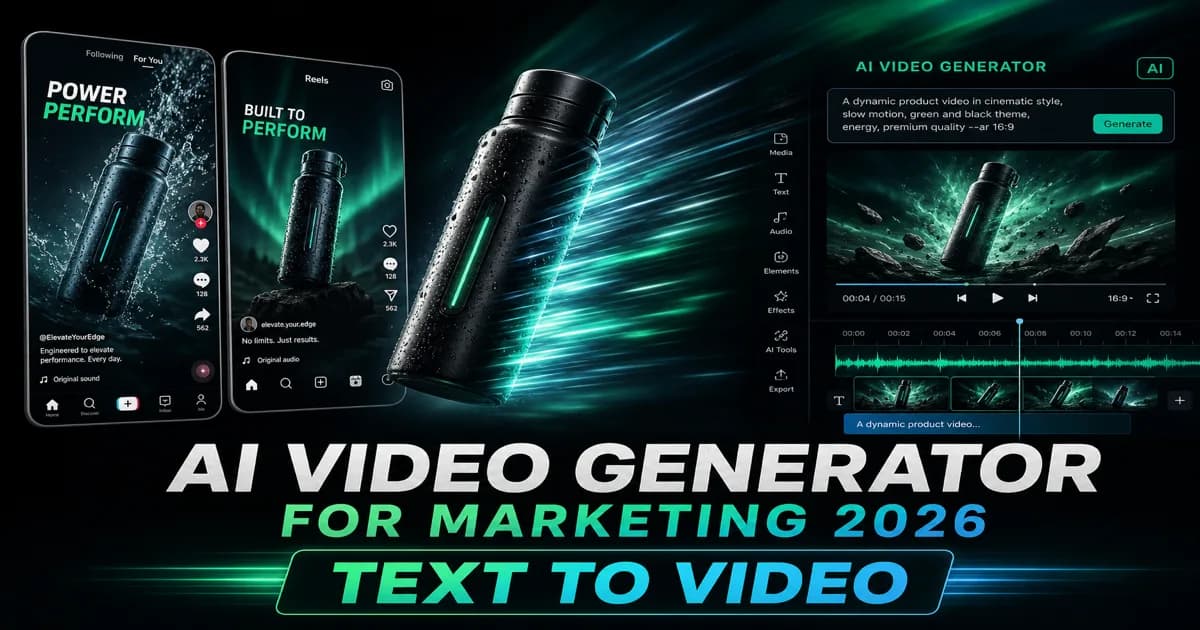
Generatore video AI gratuito per Marketing 2026: guida dal testo al video
Il miglior generatore video AI gratuito per annunci, TikTok e demo di prodotti nel 2026. Confronta testo con strumenti AI video, costi del credito, 480p vs 720p e Magic3D vs Kling. 100 crediti gratuiti per iniziare.
Generatore di caratteri 3D: trasforma la tipografia in caratteri dimensionali
Utilizza un generatore di caratteri 3D per esplorare la tipografia dimensionale per loghi, titoli, etichette di prodotti e scene. Scopri la struttura dei prompt, la selezione dei caratteri e le considerazioni sull'esportazione.
Notiziario
Unisciti alla comunità
Iscriviti alla nostra newsletter per le ultime notizie e aggiornamenti