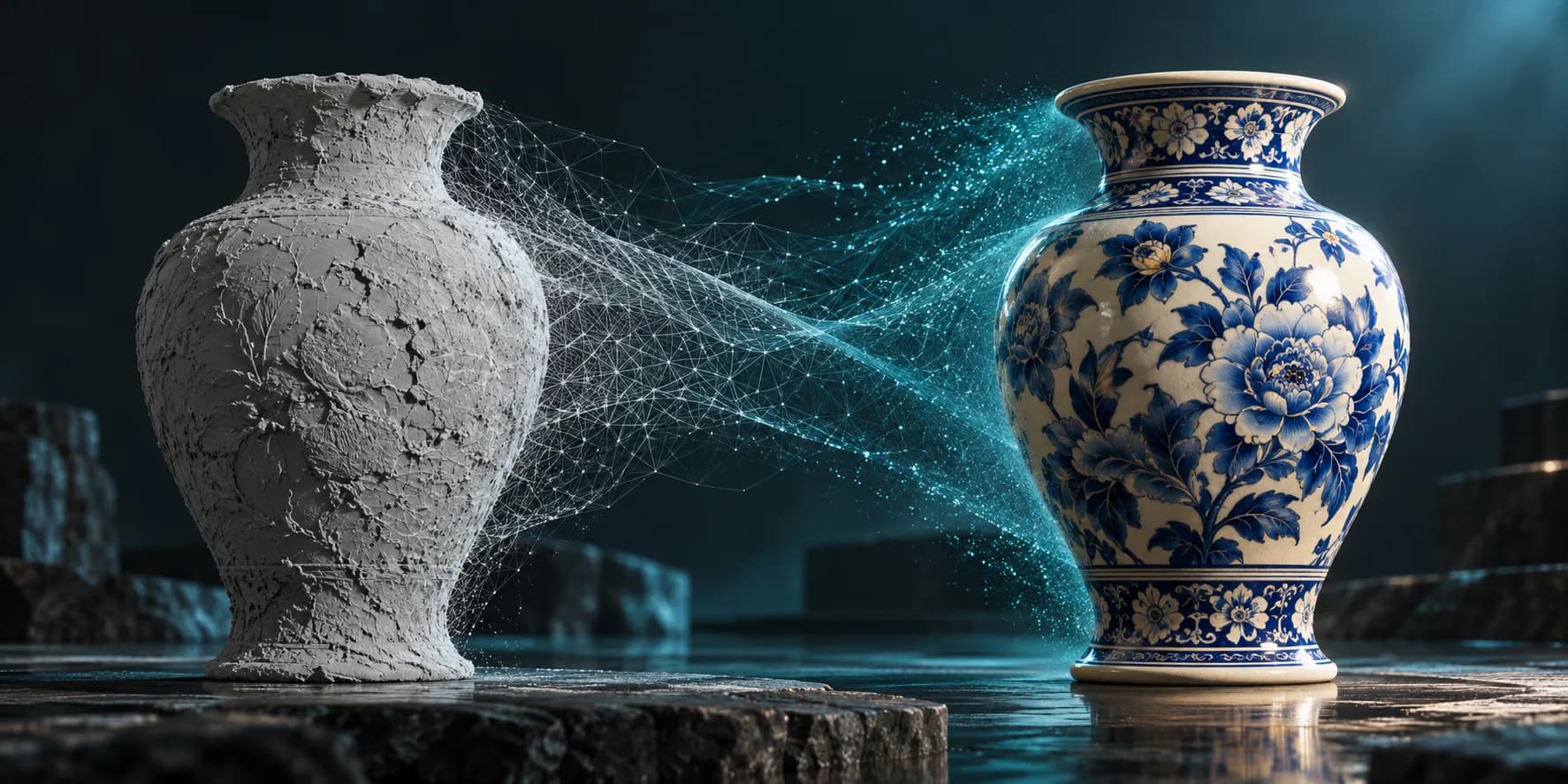
2025/11/06
Upload and Enhance 3D Models with AI - Complete Guide 2025 | Magic 3D
Learn how to upload your own 3D models and enhance them with AI-powered texture generation, style effects, and format conversion. Transform GLB, OBJ, FBX, STL files with Magic 3D.
Upload and Enhance Your 3D Models with AI - Complete Guide 2025
Transform your existing 3D models with AI-powered enhancement tools. Upload GLB, OBJ, FBX, or STL files and instantly add textures, apply style effects, or convert formats - all in one powerful platform.
Why Upload and Enhance 3D Models?
Common Challenges Solved
| Problem | Solution with Magic 3D |
|---|---|
| Missing textures | AI-powered texture generation |
| Wrong format | Convert between OBJ, STL, FBX, GLTF, USDZ, 3MF |
| Plain models | Apply style effects (Lego, Voxel, Voronoi) |
| Incompatible files | Universal format conversion |
| Time-consuming editing | One-click AI enhancement |
Quick Start: Upload and Enhance in 3 Steps
Step 1: Upload Your Model
- Supported formats: GLB, OBJ, FBX, STL
- Max file size: 100MB
- Drag & drop or click to upload
- Instant preview after upload
Step 2: Choose Enhancement Type
- Texture: Add AI-generated textures with prompts
- Effects: Apply style transformations (Lego, Voxel, Voronoi)
- Transform: Convert format and adjust scale
Step 3: Generate & Download
- Fast processing: 20-30 seconds
- Multiple formats: Download in your preferred format
- High quality: Preserves original geometry
Feature 1: AI Texture Generation
What You Can Do
Transform plain 3D models into textured masterpieces using AI.
Example Prompts:
- "Dark red metal with slight wear and reflective effects"
- "Dark blue leather with fine texture and glossy finish"
- "Rustic wood with natural grain patterns"
- "Polished chrome with mirror-like reflections"
Use Cases
- ✅ Product visualization - Add realistic materials
- ✅ Game assets - Create detailed textures
- ✅ Architectural renders - Enhance building materials
- ✅ 3D printing - Preview final appearance
Benefits
- Cost: Only 20 credits per enhancement
- Speed: 20-30 seconds processing time
- Quality: High-resolution texture mapping
- Control: Customize with text prompts
Feature 2: Style Effects (Lego, Voxel, Voronoi)
Transform Your Models with AI Style Effects
Available Styles:
🧱 Lego Style
- Best for: Toy models, playful designs, children's content
- Effect: Blocky, brick-like appearance
- Use cases: Game assets, educational content
🎮 Voxel Style
- Best for: Retro games, pixel art aesthetics
- Effect: Cubic, Minecraft-like appearance
- Use cases: Indie games, nostalgic designs
🔷 Voronoi Style
- Best for: Abstract art, modern design
- Effect: Geometric, cellular patterns
- Use cases: Art installations, architectural models
Why Use Style Effects?
- Instant transformation - No manual modeling needed
- Consistent results - AI ensures uniform application
- Creative exploration - Try different styles quickly
- Cost-effective - 20 credits per transformation
Feature 3: Format Conversion & Scaling
Convert Between Popular 3D Formats
Supported Formats:
- ✅ OBJ - Universal compatibility
- ✅ STL - 3D printing standard
- ✅ 3MF - Modern 3D printing
- ✅ FBX - Unity, Unreal Engine
- ✅ GLTF - Web, AR, VR applications
- ✅ USDZ - Apple AR Quick Look
Scale Adjustment
- Range: 0.1x to 10x
- Precision: 0.1 increments
- Real-time preview of scale changes
- Preserves quality at any scale
Common Conversion Scenarios
| From | To | Use Case |
|---|---|---|
| OBJ | STL | 3D printing preparation |
| FBX | GLTF | Web/AR deployment |
| GLB | OBJ | Universal compatibility |
| STL | 3MF | Modern 3D printing |
| Any | USDZ | iOS AR experiences |
Complete Workflow Example
Scenario: Enhance a Product Model for E-commerce
Step 1: Upload
- Upload your product model (OBJ format)
- File size: 15MB
- Upload time: ~5 seconds
Step 2: Add Texture
- Select "Texture" option
- Enter prompt: "Brushed aluminum with subtle scratches"
- Generate: 25 seconds
- Cost: 20 credits
Step 3: Convert Format
- Select "Transform" → "GLTF"
- Set scale: 1.0x
- Convert: 30 seconds
- Cost: 20 credits
Step 4: Download
- Download enhanced GLTF model
- Ready for web showcase
- Total time: ~60 seconds
- Total cost: 40 credits
Pricing & Credits
Cost Breakdown
| Action | Credits | Time |
|---|---|---|
| Upload model | Free | Instant |
| Texture generation | 20 | 20-30s |
| Style effect | 20 | 20-30s |
| Format conversion | 20 | 20-30s |
Value Comparison
Traditional Workflow:
- Texture software license: $50-200/month
- Format converter: $20-100 one-time
- Time investment: Hours per model
- Total: $70-300+ and significant time
Magic 3D Workflow:
- All-in-one platform: $9.9/month
- 100 credits included
- Process 5 models/month
- Total: $9.9/month, minutes per model
Savings: 85-97% cost reduction + 95% time savings
Supported File Formats
Upload Formats
- ✅ GLB (glTF Binary) - Web, AR, VR
- ✅ OBJ - Universal 3D format
- ✅ FBX - Game engines, animation
- ✅ STL - 3D printing
Export Formats
- ✅ GLB - Web applications
- ✅ OBJ - Universal compatibility
- ✅ STL - 3D printing
- ✅ 3MF - Modern 3D printing
- ✅ FBX - Unity, Unreal Engine
- ✅ GLTF - Web, AR, VR
- ✅ USDZ - Apple AR
Technical Specifications
File Requirements
- Max file size: 100MB
- Supported formats: GLB, OBJ, FBX, STL
- Geometry: Triangle meshes
- Textures: Embedded or external
Processing Capabilities
- Texture resolution: Up to 4K
- Geometry preservation: 100% original topology
- Scale range: 0.1x - 10x
- Processing speed: 20-30 seconds average
Use Cases & Industries
🎮 Game Development
- Texture game assets quickly
- Convert formats for different engines
- Apply style effects for unique aesthetics
- Scale models for different platforms
🏭 Product Design
- Visualize products with realistic textures
- Prepare models for 3D printing
- Create variations with different styles
- Export for marketing materials
🏗️ Architecture
- Enhance building models with materials
- Convert formats for different software
- Create presentations with style effects
- Prepare for VR/AR visualization
🎨 3D Printing
- Convert formats (OBJ → STL)
- Scale models to print size
- Preview textures before printing
- Optimize files for printing
📱 AR/VR Development
- Convert to GLTF/USDZ for AR
- Add textures for realism
- Scale models for different devices
- Optimize for performance
Comparison: Magic 3D vs Traditional Tools
| Feature | Magic 3D | Traditional Tools |
|---|---|---|
| Setup time | Instant | Hours to days |
| Learning curve | Minutes | Weeks |
| Cost | $9.9/month | $50-500/month |
| Processing speed | 20-30s | Minutes to hours |
| Format support | 7 formats | 1-3 formats |
| AI enhancement | ✅ Built-in | ❌ Manual work |
| Cloud-based | ✅ Yes | ❌ Local only |
| Mobile access | ✅ Yes | ❌ Desktop only |
Winner: Magic 3D for speed, cost, and ease of use
Tips for Best Results
Upload Tips
- Optimize file size - Compress before upload if >50MB
- Clean geometry - Remove unnecessary vertices
- Check format - Ensure file is valid GLB/OBJ/FBX/STL
- Name files clearly - Helps with organization
Texture Generation Tips
- Be specific - "Dark red metal" > "red"
- Include details - "Brushed aluminum with scratches"
- Mention finish - "Glossy", "matte", "metallic"
- Describe wear - "New", "weathered", "aged"
Format Conversion Tips
- Check target format - Ensure compatibility
- Test scale - Preview before final conversion
- Preserve quality - Use 1.0x scale when possible
- Verify output - Check in target application
FAQ
Q: What file formats can I upload?
A: GLB, OBJ, FBX, and STL formats are supported. Maximum file size is 100MB.
Q: How much does it cost to enhance a model?
A: Each enhancement (texture, style, or conversion) costs 20 credits. With our Starter plan ($9.9/month), you get 100 credits - enough for 5 complete enhancements.
Q: How long does processing take?
A: Most enhancements complete in 20-30 seconds. Format conversion may take slightly longer for large files.
Q: Can I use the enhanced models commercially?
A: Yes! You retain full commercial rights to all enhanced models.
Q: What happens to my original file?
A: Your original file remains unchanged. Enhanced versions are saved separately.
Q: Can I enhance the same model multiple times?
A: Yes! You can apply different textures, styles, or conversions to the same model as many times as you want.
Q: Do I need to install any software?
A: No! Everything runs in your web browser. No downloads or installations required.
Getting Started
Ready to Enhance Your 3D Models?
- Sign up for free - Get 50 credits to start
- Upload your model - Drag & drop or click to upload
- Choose enhancement - Texture, Style, or Transform
- Download result - Get your enhanced model instantly
Start Enhancing Models Free → - 50 free credits, no credit card required
Conclusion
Magic 3D's upload and enhance feature revolutionizes 3D model workflow:
✅ Upload your existing models (GLB, OBJ, FBX, STL) ✅ Add textures with AI-powered generation ✅ Apply styles (Lego, Voxel, Voronoi) ✅ Convert formats between 7 popular formats ✅ Scale models with precision control ✅ All in one platform - No software installation needed
Start enhancing your 3D models today and experience the power of AI-driven 3D enhancement!
Related Articles:
- Magic 3D vs Tripo AI: Complete Comparison
- Magic 3D vs Meshy: Which is Better?
- Best AI 3D Generators 2025
Last Updated: November 6, 2025
Upload and Enhance Your 3D Models with AI - Complete Guide 2025Why Upload and Enhance 3D Models?Common Challenges SolvedQuick Start: Upload and Enhance in 3 StepsStep 1: Upload Your ModelStep 2: Choose Enhancement TypeStep 3: Generate & DownloadFeature 1: AI Texture GenerationWhat You Can DoUse CasesBenefitsFeature 2: Style Effects (Lego, Voxel, Voronoi)Transform Your Models with AI Style Effects🧱 Lego Style🎮 Voxel Style🔷 Voronoi StyleWhy Use Style Effects?Feature 3: Format Conversion & ScalingConvert Between Popular 3D FormatsScale AdjustmentCommon Conversion ScenariosComplete Workflow ExampleScenario: Enhance a Product Model for E-commercePricing & CreditsCost BreakdownValue ComparisonSupported File FormatsUpload FormatsExport FormatsTechnical SpecificationsFile RequirementsProcessing CapabilitiesUse Cases & Industries🎮 Game Development🏭 Product Design🏗️ Architecture🎨 3D Printing📱 AR/VR DevelopmentComparison: Magic 3D vs Traditional ToolsTips for Best ResultsUpload TipsTexture Generation TipsFormat Conversion TipsFAQQ: What file formats can I upload?Q: How much does it cost to enhance a model?Q: How long does processing take?Q: Can I use the enhanced models commercially?Q: What happens to my original file?Q: Can I enhance the same model multiple times?Q: Do I need to install any software?Getting StartedReady to Enhance Your 3D Models?Conclusion
अधिक पोस्ट
FeaturesTutorials
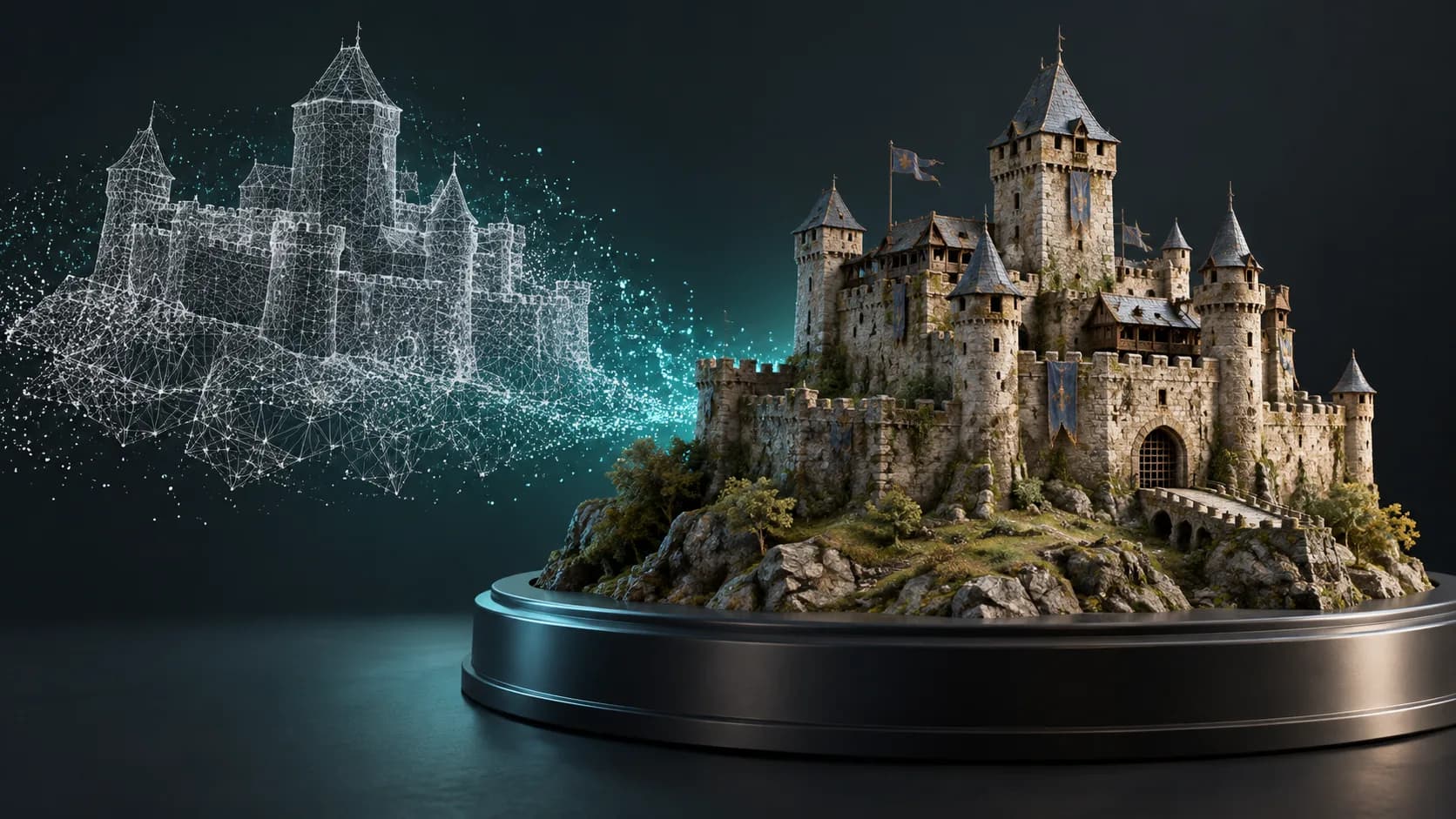
How to Import and Enhance 3D Models with AI - Complete Guide 2025 | Magic 3D
Learn how to import your 3D models (GLB, OBJ, FBX, STL) and enhance them with AI-powered textures, style effects, and format conversion. Step-by-step tutorial with screenshots.
ToolsTutorials
3डी फॉन्ट जेनरेटर: टाइपोग्राफी को डायमेंशनल लेटरिंग में बदलें
लोगो, शीर्षक, उत्पाद लेबल और दृश्यों के लिए आयामी टाइपोग्राफी का पता लगाने के लिए 3डी फ़ॉन्ट जनरेटर का उपयोग करें। शीघ्र संरचना, फ़ॉन्ट चयन और निर्यात संबंधी विचार जानें।
ToolsTutorials
3डी लोगो जेनरेटर: ब्रांड नियंत्रण खोए बिना आयामी लोगो अवधारणाओं का अन्वेषण करें
अभियान ग्राफ़िक्स, उत्पाद दृश्यों और शीर्षक अवधारणाओं के लिए 3डी लोगो जनरेटर का उपयोग करें। त्वरित संरचना, पठनीय सामग्री और मूल वेक्टर लोगो पर कब लौटना है, जानें।
न्यूज़लैटर
समुदाय में शामिल हों
नवीनतम समाचार और अपडेट के लिए हमारे न्यूज़लेटर की सदस्यता लें