2026/09/07
AI CAD Generator: What Text-to-CAD and Image-to-CAD Can Do
Understand AI CAD generators, text-to-CAD, and image-to-CAD workflows. Learn the difference between a mesh concept and a dimensionally controlled CAD model.
AI CAD Generator: What Text-to-CAD and Image-to-CAD Can Do
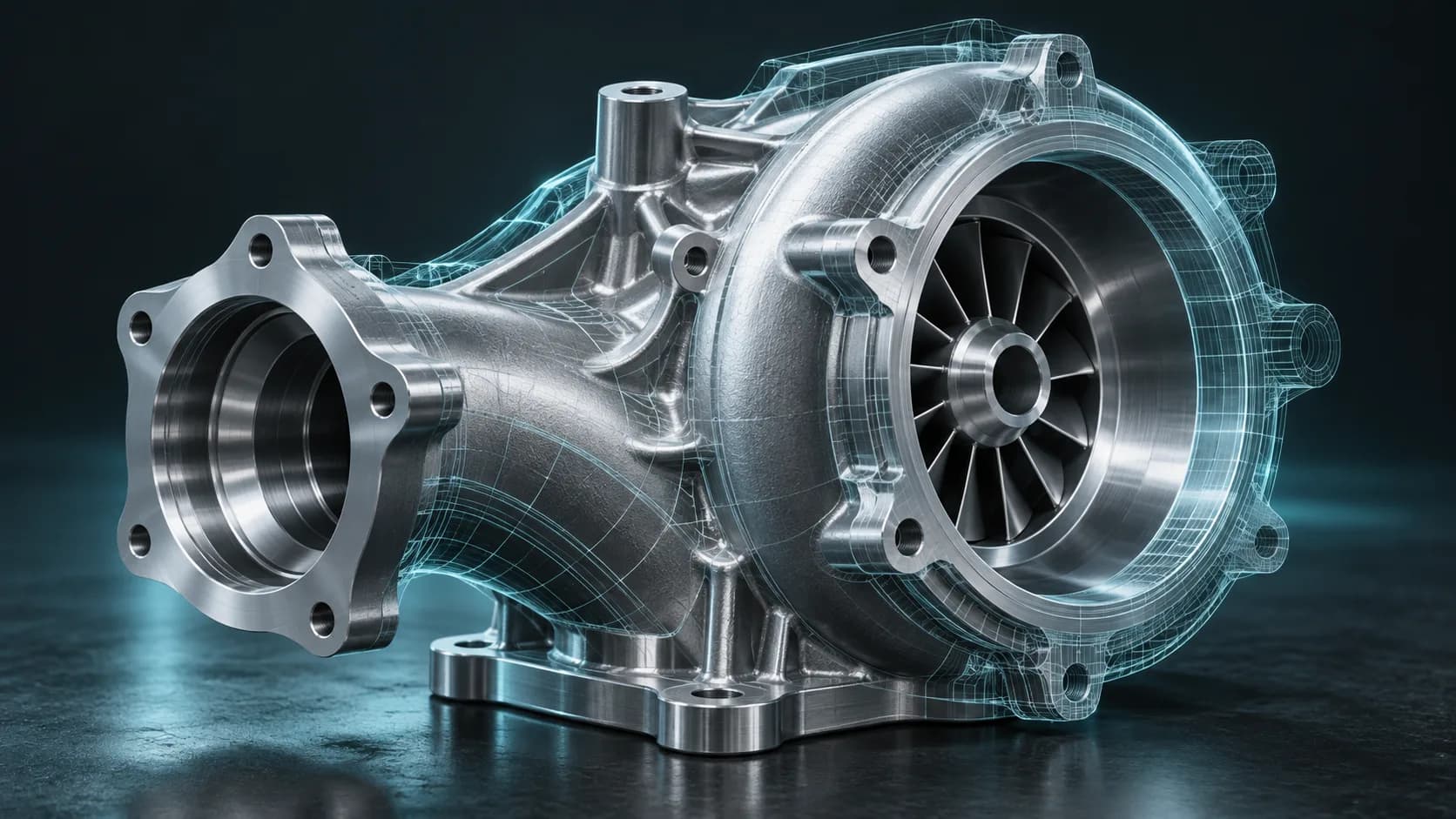
An AI CAD generator promises a faster route from an idea to a manufacturable object. The important distinction is between a visual 3D mesh and a parametric CAD model. Both are useful, but they solve different problems.
Use a mesh workflow when you need a fast visual concept, game asset, reference model, or decorative print idea. Use CAD when dimensions, tolerances, editable features, and manufacturing constraints matter. Do not treat an image-to-3D mesh as dimensionally exact CAD without a measurement and reconstruction step.
Text-to-CAD versus text-to-3D
Text to CAD aims to create editable features such as sketches, holes, fillets, and dimensions. Text to 3D commonly creates mesh geometry intended for viewing, rendering, games, or early 3D-print concepts.
| Requirement | Better starting point |
|---|---|
| Accurate hole diameter and tolerance | CAD workflow |
| Product concept render | Text-to-3D mesh |
| Decorative figurine or sign | 3D mesh, then print validation |
| CNC-ready functional part | CAD workflow and engineering review |
| Image-based shape exploration | Image-to-3D mesh |
Where image-to-CAD fits
Image to CAD AI can help interpret a drawing, plan, or reference image, but a single image rarely contains enough measurement data to define a precise part. Perspective, hidden surfaces, and unknown scale all introduce uncertainty.
A safer workflow is to use the image as a reference, identify known measurements, model the critical features in CAD, and compare the result with the reference. For visual exploration, generate a mesh first with Image to 3D, then rebuild the validated design in CAD.
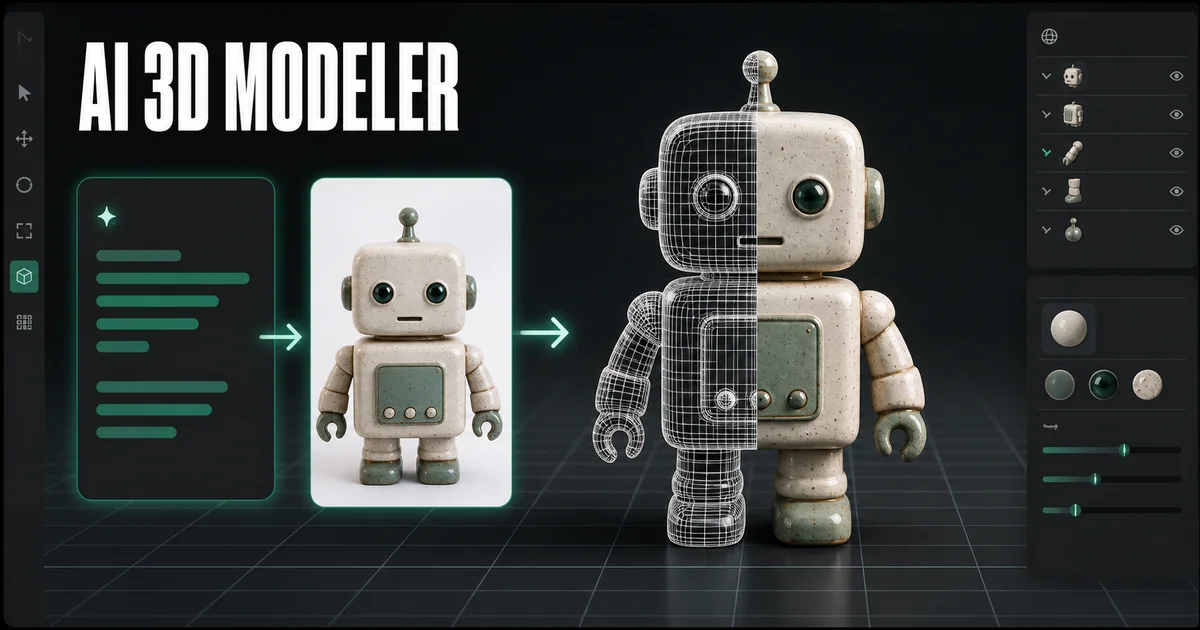
A practical concept-to-CAD handoff
- Describe or upload the visual concept.
- Generate a mesh to evaluate silhouette, proportion, and presentation.
- Mark the dimensions that actually matter for the product.
- Recreate critical planes, holes, and interfaces in CAD.
- Validate against manufacturing requirements before making or selling the part.
This division of work is efficient: AI speeds early exploration; parametric modeling retains engineering control.
Questions to ask before using an AI CAD tool
- Does the output include editable sketches and feature history?
- Can you set or verify units and dimensions?
- Does it preserve constraints when a value changes?
- Can it export the format required by your manufacturing workflow?
- Who reviews tolerances, material choice, and safety-critical geometry?
If the answer is “no” to the dimensional questions, treat the output as a concept mesh rather than production CAD.
Can ChatGPT make a CAD model?
It can help write specifications, explain design choices, or generate instructions and code for compatible CAD workflows. Whether it produces a dependable final model depends on the tool, inputs, and engineering validation.
Can I convert an image directly into a CAD file?
Not reliably for precision work from a single photo. You can use the image for visual reference, but dimensional CAD needs known measurements, constraints, and human review.
Is an STL a CAD file?
An STL is a triangle-mesh format commonly used for 3D printing. It usually lacks editable parametric features. Convert formats with Magic3D's 3D converter, but do not expect conversion alone to create a fully editable CAD history.
Use AI to accelerate the concept phase, then apply CAD controls where accuracy matters.
Kategoriler
Daha Fazla Gönderi
Tutorials
Bir Planı veya Çizimi 3D Modele Dönüştürün: Yapay Zeka Neleri Çıkarabilir ve Çıkaramaz?
Bir çizimi, kat planını veya planı sorumlu bir şekilde 3 boyutlu modele nasıl dönüştüreceğinizi öğrenin. Konsept araştırması için yapay zekayı kullanın ve CAD yeniden yapılandırması için ölçümleri koruyun.

Tutorials
What Is a 3D Mesh? A Simple Guide to Mesh Models and Topology
Learn what a 3D mesh is, how vertices, edges, faces, UVs, and textures work together, and how to choose a mesh model for web, games, and 3D printing.
ToolsTutorials
3D Yazı Tipi Oluşturucu: Tipografiyi Boyutlu Harflere Dönüştürün
Logolar, başlıklar, ürün etiketleri ve sahneler için boyutlu tipografiyi keşfetmek için 3B yazı tipi oluşturucuyu kullanın. Bilgi istemi yapısını, yazı tipi seçimini ve dışa aktarmayla ilgili önemli noktaları öğrenin.
Bülten
Topluluğa katıl
En son haberler ve güncellemeler için bültenimize abone olun